
We can improve your training in less than 5 minutes. TAKE OUR QUIZ
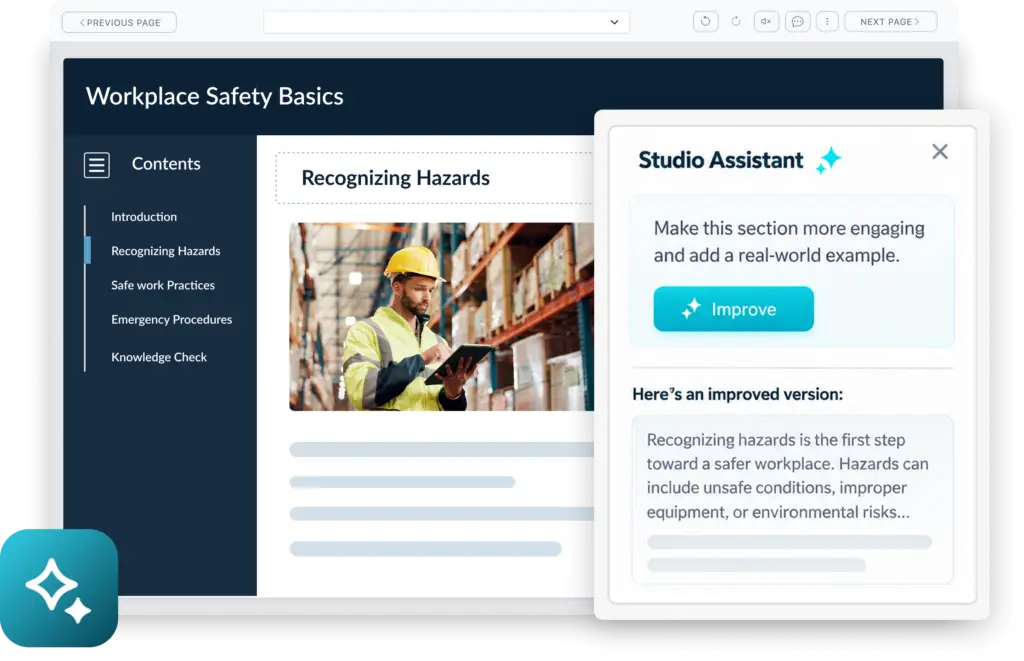
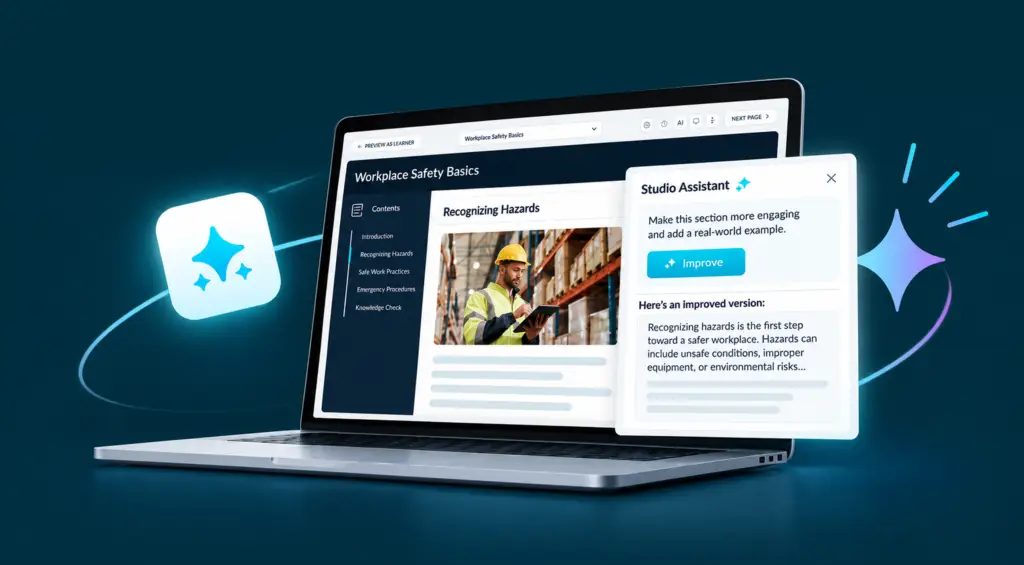
Assistant AI for Studio works inside Knowledge Anywhere Course Studio to help you outline, draft, refine, and review courses. Use it to build an entire course, improve selected pages, or simply check your work before publishing.
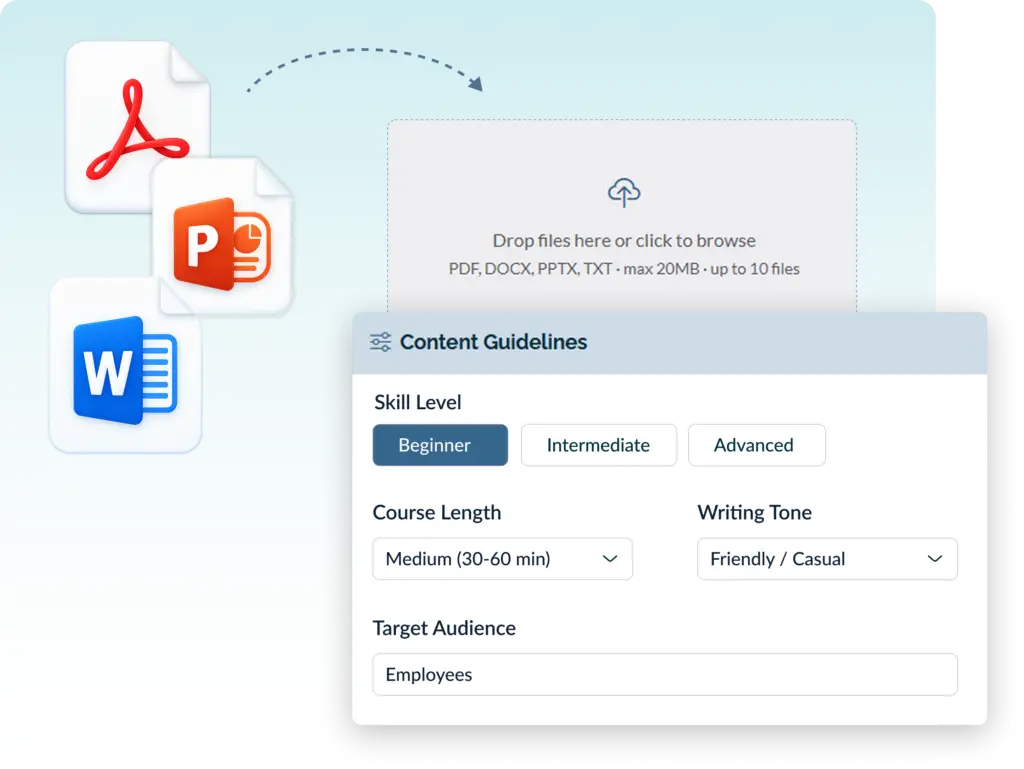
Assistant AI for Studio can use your existing materials as the foundation for a course, including:
Then define the audience, learning objectives, course length, and tone. Assistant AI for Studio also evaluates whether your source material is substantial enough for the course you want to build, helping avoid unnecessary filler or unsupported content.
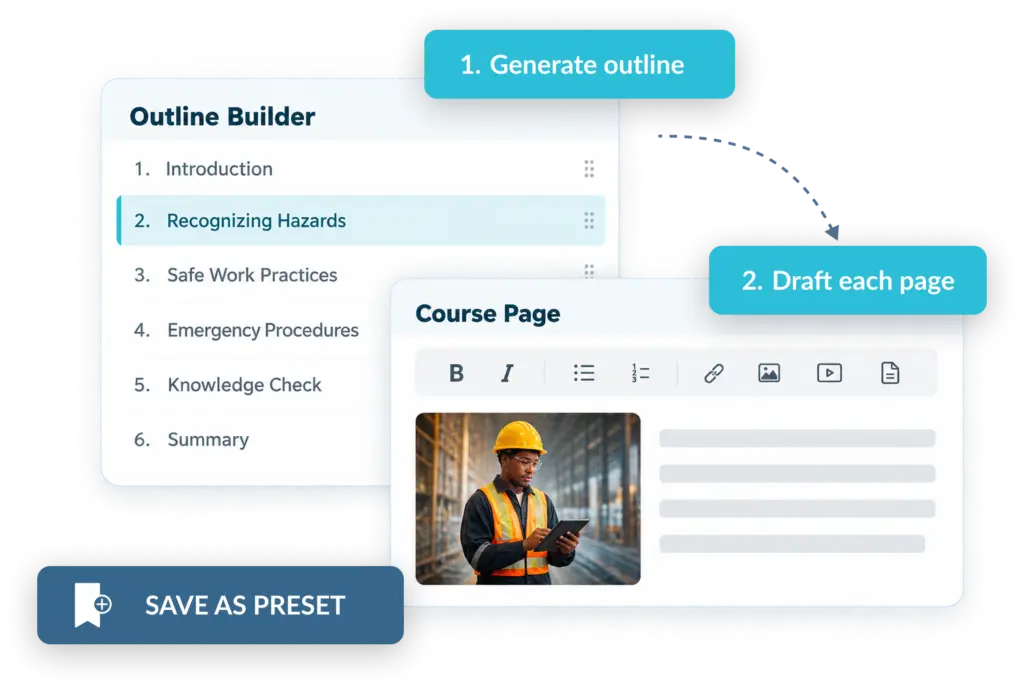
Assistant AI for Studio starts by building a course outline, then helps draft each page based on its purpose, whether it’s an overview, a procedure, a case study, or any another type of learning content. It can also create the supporting pieces of the course, including section quizzes, final assessments, course titles, course descriptions, etc.
Keep working while it generates
Course generation runs in the background, so you can leave the page and return when your draft is ready.
Save your setup for next time
If your team creates similar courses repeatedly, save your audience, tone, course length, learning objectives, and brand styling as a preset. Your next course starts with the right configuration already in place.
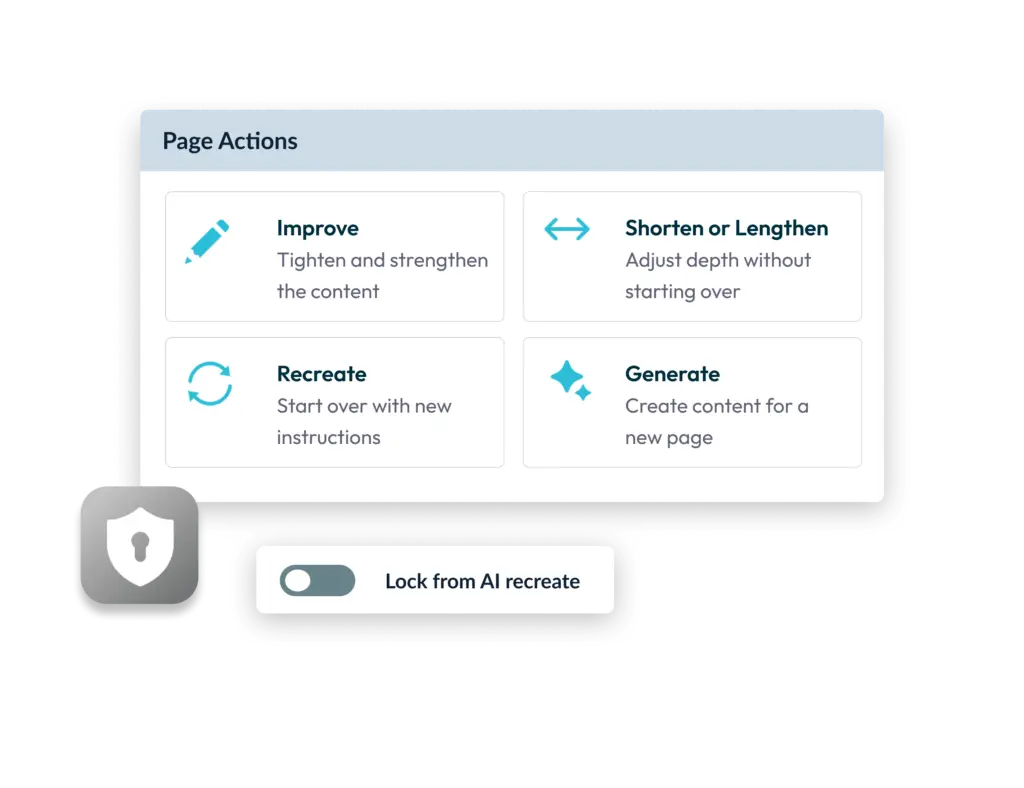
You decide what stays and what changes. Improve existing content, adjust the level of detail, start fresh with a new version, or generate content for a page you’ve added yourself.
Once a page is exactly how you want it, lock it. Locked pages stay untouched even if the rest of the course is regenerated. Every AI-assisted change is also recorded in page history, so earlier versions can be restored.
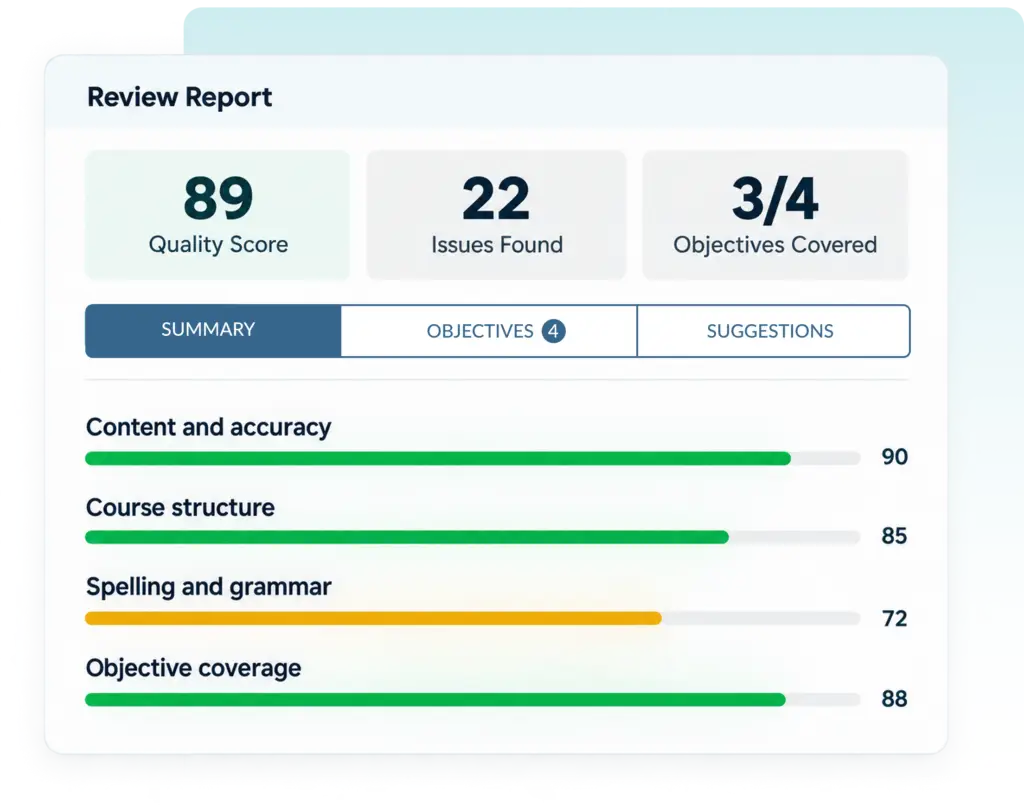
Assistant AI for Studio can review any Studio course — whether AI helped draft it or your team created it manually. Choose what you want to evaluate:
 Content & accuracy
Identify unclear, unsupported, or missing material.
Course structure
Check whether the sequence and organization make sense.
Spelling & grammar
Catch writing issues before publication.
The review produces a quality score, specific findings, and an objective coverage map showing whether each learning objective is fully taught, partially addressed, or missing. Suggestions can be applied individually and undone if needed.
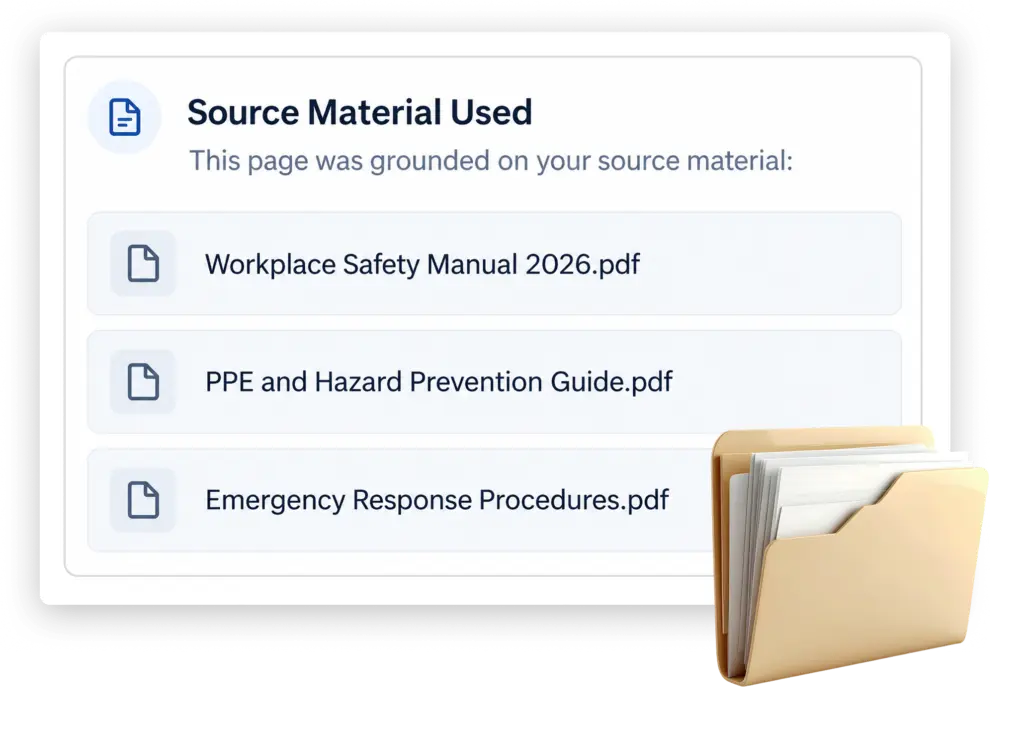
Assistant AI for Studio shows which materials were used to support the content it creates.
If you choose to restrict a course to your supplied materials, the assistant can work within those sources — particularly useful for compliance-related training. When outside knowledge is used, it is identified.
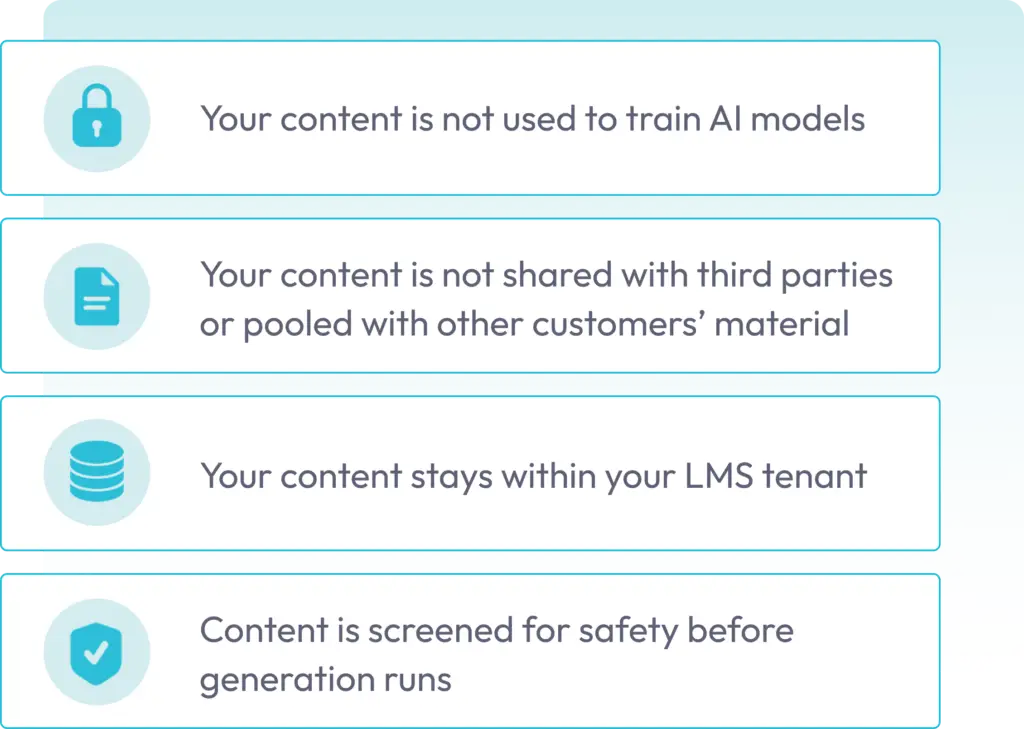
Your course material remains your intellectual property. In line with our ISO 27001 Compliance, we do not use your content to train AI models, and it is not shared with other customers.
AI-generated content also follows the same Course Studio review and approval workflow as manually authored content. Nothing reaches learners until a person decides it is ready to publish.
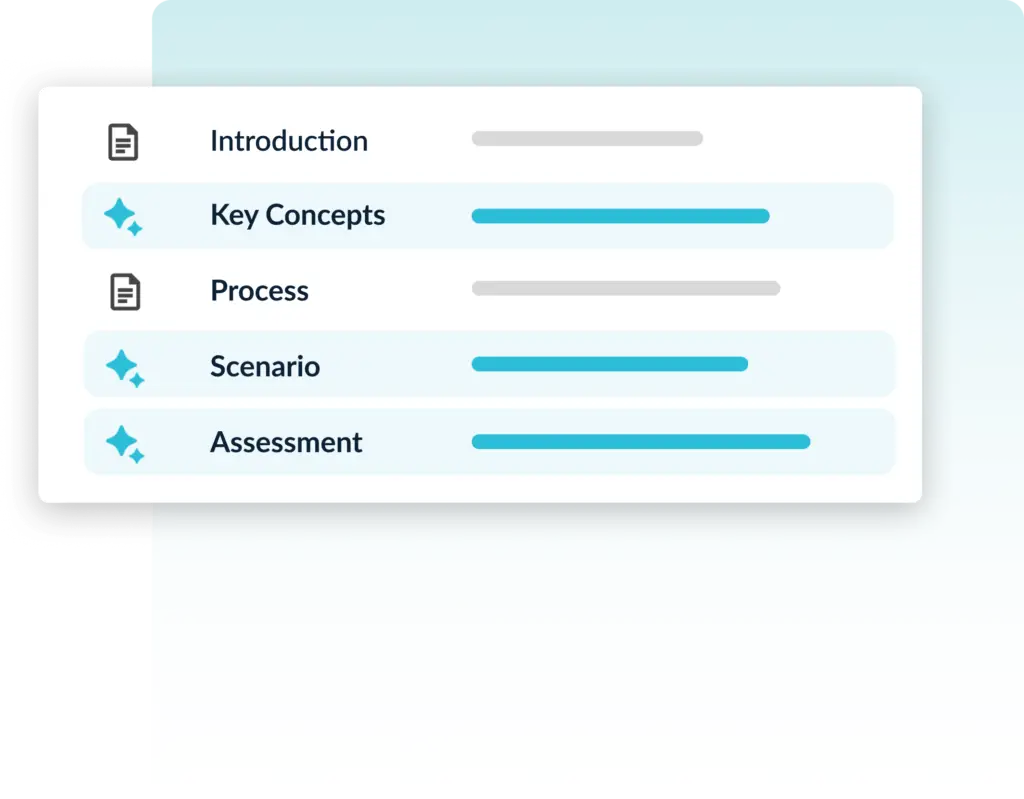
There is no single required workflow.
Draft everything, then edit
Use Assistant AI for Studio to create the first draft, then refine it with your team.
Write everything, review at the end
Create the course manually and use Assistant AI for Studio only for quality and objective-coverage review.
Use it only where it helps
Apply AI assistance to selected courses, sections, or pages.
Course Studio continues to work fully without Assistant AI for Studio. PowerPoint and PDF imports, templates, collaborative authoring, assessments, versioning, review routing, and publishing remain standard Course Studio capabilities.
Assistant AI for Studio is available now as an add-on to your Knowledge Anywhere LMS.
Contact us for a walkthrough or to add it to your account.
No. Studio Assistant is an optional add-on. Course Studio works exactly as it does today without it, and nothing about your existing courses changes if you choose not to use it.
No — it is licensed separately, with its own seats. You can license it for some of your authors and not others. Contact us for details.
Not necessarily. A Studio Assistant license also unlocks AI assessment authoring capabilities. Someone who only builds assessments, for example, can hold a Studio Assistant seat without ever opening Course Studio.
No, and it is not intended to. Studio Assistant drafts and checks; it does not decide what your organization needs to teach, what “good” looks like for your audience, or when a course is ready to publish. Those judgments stay with your team. What Studio Assistant does is support, expedite, and quality-check the writing process your team decides to use.
No. Your content is not used to train models and is not shared with third parties.
Yes. Turn on only use supplied content and Studio Assistant works only from the documents and materials you provide, without drawing on outside knowledge or searching the web.
Every page shows any web sources it cited and where it relied on general knowledge. The course also keeps a record of what the Studio Assistant did and when.
Yes, without restriction. Generated content is ordinary Studio content — edit it, rewrite it, delete it, restructure it. You can also lock pages you have finalized so they are not affected if you regenerate the rest of the course.
Treat a generated draft the way you would treat a draft from a new team member: useful, and requiring review. Source attribution shows you where content came from so you know where to check, page history lets you restore any earlier version, and nothing publishes without human approval.
Yes — that is a fully supported way to use it. The review works on any Studio course regardless of how it was authored.
No. Your Studio Assistant license covers your token usage.
Test out our system for yourself.
We will send you login credentials to an LMS site packed with example courses, such as Safety Training, Anti-Harassment Training, Diversity Training, and more! You’ll have 14 days to explore our training platform and the opportunity to customize it with your company’s logos, colors, and messages.


We use cookies to improve your experience on our site. By using our site, you consent to cookies.
Manage your cookie preferences below:
Essential cookies enable basic functions and are necessary for the proper function of the website.
Stripe is a payment processing platform that enables businesses to accept online payments securely and efficiently.
Service URL: stripe.com (opens in a new window)
Statistics cookies collect information anonymously. This information helps us understand how visitors use our website.
Google Analytics is a powerful tool that tracks and analyzes website traffic for informed marketing decisions.
Service URL: policies.google.com (opens in a new window)
Clarity is a web analytics service that tracks and reports website traffic.
Service URL: clarity.microsoft.com (opens in a new window)
SourceBuster is used by WooCommerce for order attribution based on user source.
You can find more information in our PRIVACY POLICY.