

We can improve your training in less than 5 minutes. TAKE OUR QUIZ
Organizations
Organizations allow you to create communities of learners. Once you create an Organization and add members, you can assign training to those members, share resources, and much more.
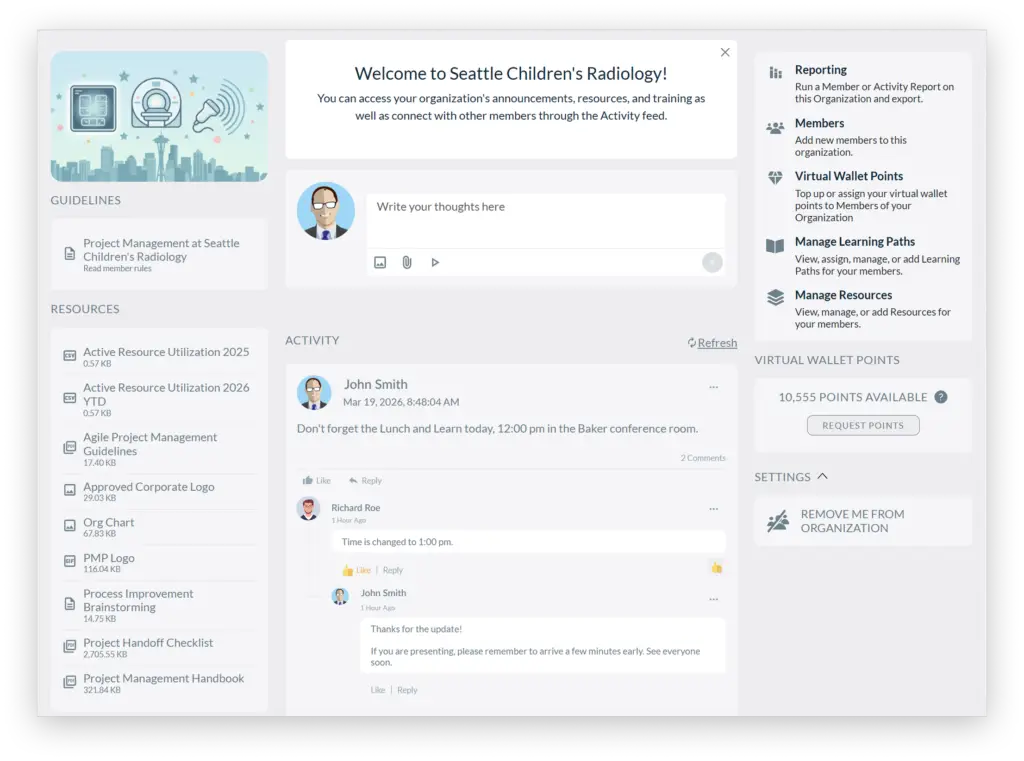
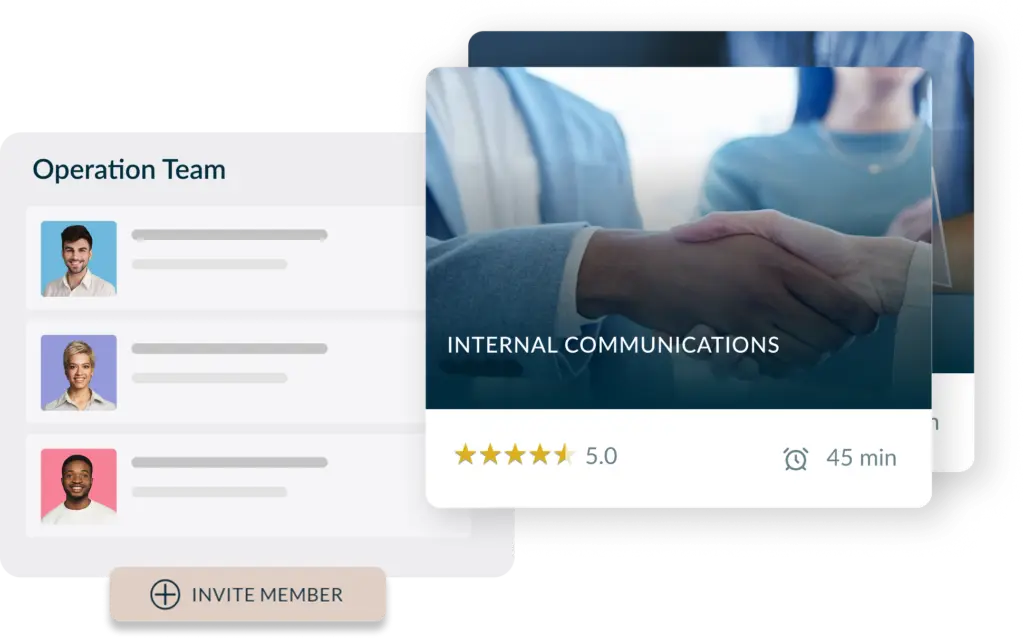
There are many use cases for Organizations. You could set up Organizations for various specialities within your company, such as project management, human resources, or engineering. Or for different locations. Or for franchises or subsidiaries, or suppliers.
Once you’ve set up an Organization you can easily invite members and assign content. Members must accept the invitation to join the Organization. Organizations are private, open only to invitees.
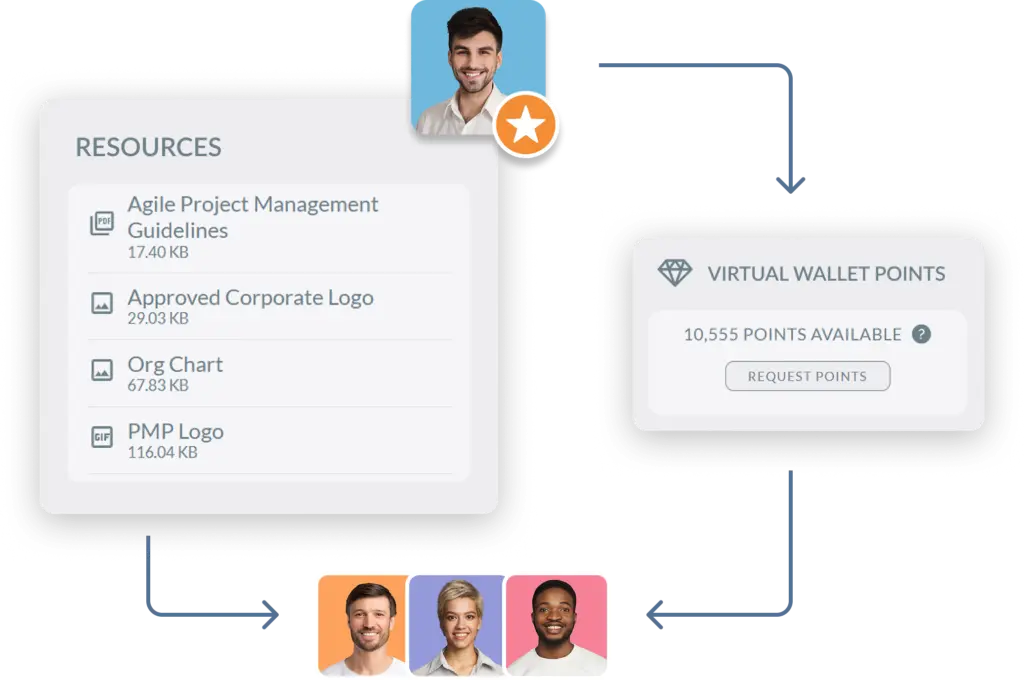
You can also share resources with an Organization members, and provide them with virtual wallet points to purchase courses.
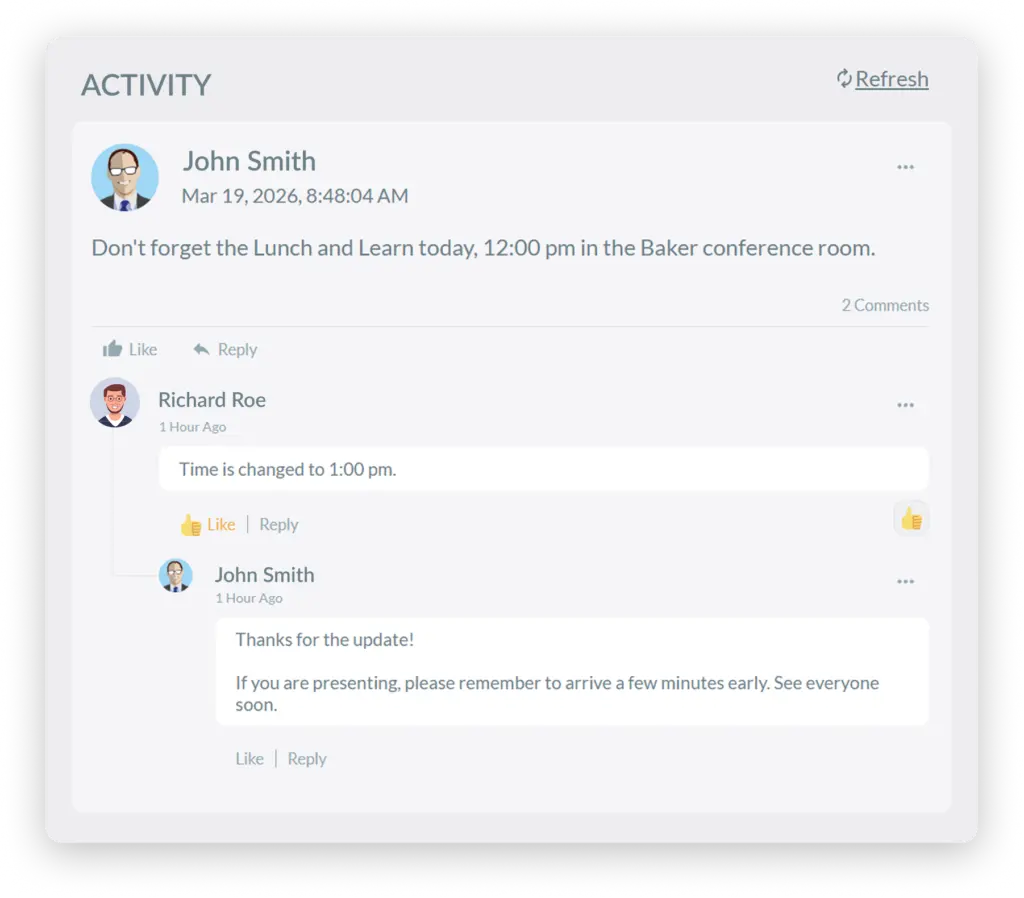
We can learn a lot from our teammates.
The Activity Feed lets Organization members easily communicate with one another to share tips, best practices, or daily news.
Each Organization can be assigned an administrator, with rights to manage that Organization. Organization admins can invite learners, assign courses, and grant virtual wallet points.
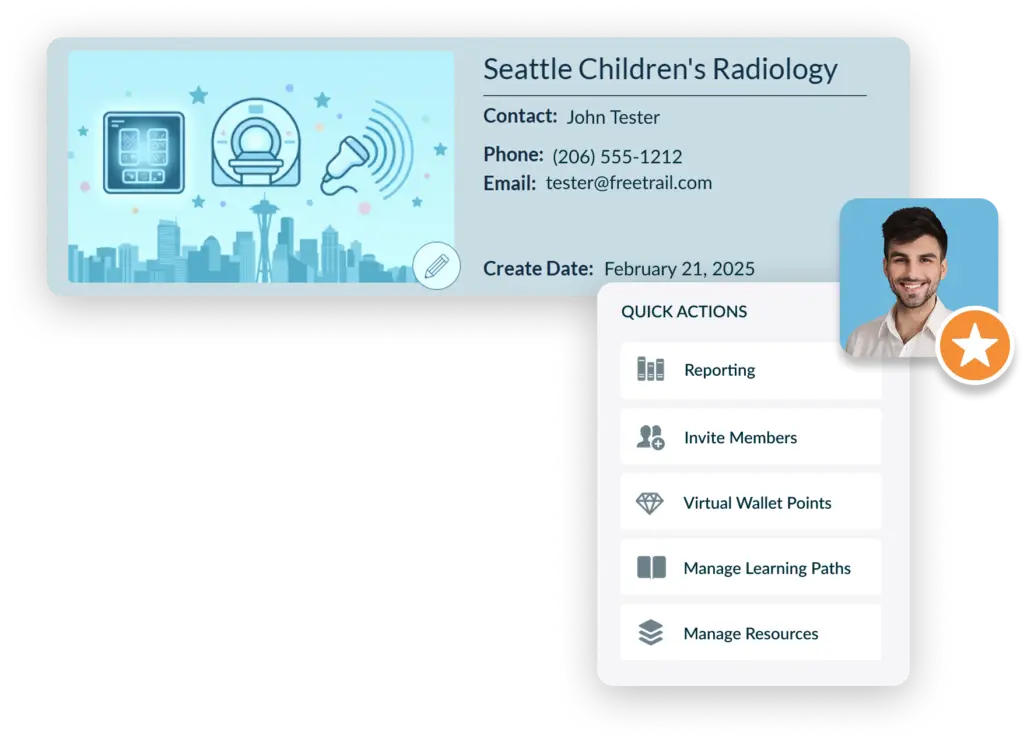
The Organizations feature gives a clean, scalable way to manage learning in an environment separate from the traditional Knowledge Anywhere LMS group system. Admins can define structure and invite who belongs to the Organization, push more tailored learning, and build a community. Each Organization can operate with its own audience, content, and reporting.
Contact our Customer Success Team.
A learner must first be invited to join an Organization. Once they accept their invitation, the Organizations icon appears in the header of their home page.
Groups still work fine for assigning most training. Use Organizations if you want the features of Groups, but also want to set up a learning community.
Yes, Administrators can manage Organizations from the admin side of the LMS, including maintaining the list of available Organizations and performing tasks like bulk approvals and merging duplicate entries to keep data clean.
Test out our system for yourself.
We will send you login credentials to an LMS site packed with example courses, such as Safety Training, Anti-Harassment Training, Diversity Training, and more! You’ll have 14 days to explore our training platform and the opportunity to customize it with your company’s logos, colors, and messages.


We use cookies to improve your experience on our site. By using our site, you consent to cookies.
Manage your cookie preferences below:
Essential cookies enable basic functions and are necessary for the proper function of the website.
Stripe is a payment processing platform that enables businesses to accept online payments securely and efficiently.
Service URL: stripe.com (opens in a new window)
Statistics cookies collect information anonymously. This information helps us understand how visitors use our website.
Google Analytics is a powerful tool that tracks and analyzes website traffic for informed marketing decisions.
Service URL: policies.google.com (opens in a new window)
Clarity is a web analytics service that tracks and reports website traffic.
Service URL: clarity.microsoft.com (opens in a new window)
SourceBuster is used by WooCommerce for order attribution based on user source.
You can find more information in our PRIVACY POLICY.


