We can improve your training in less than 5 minutes. TAKE OUR QUIZ
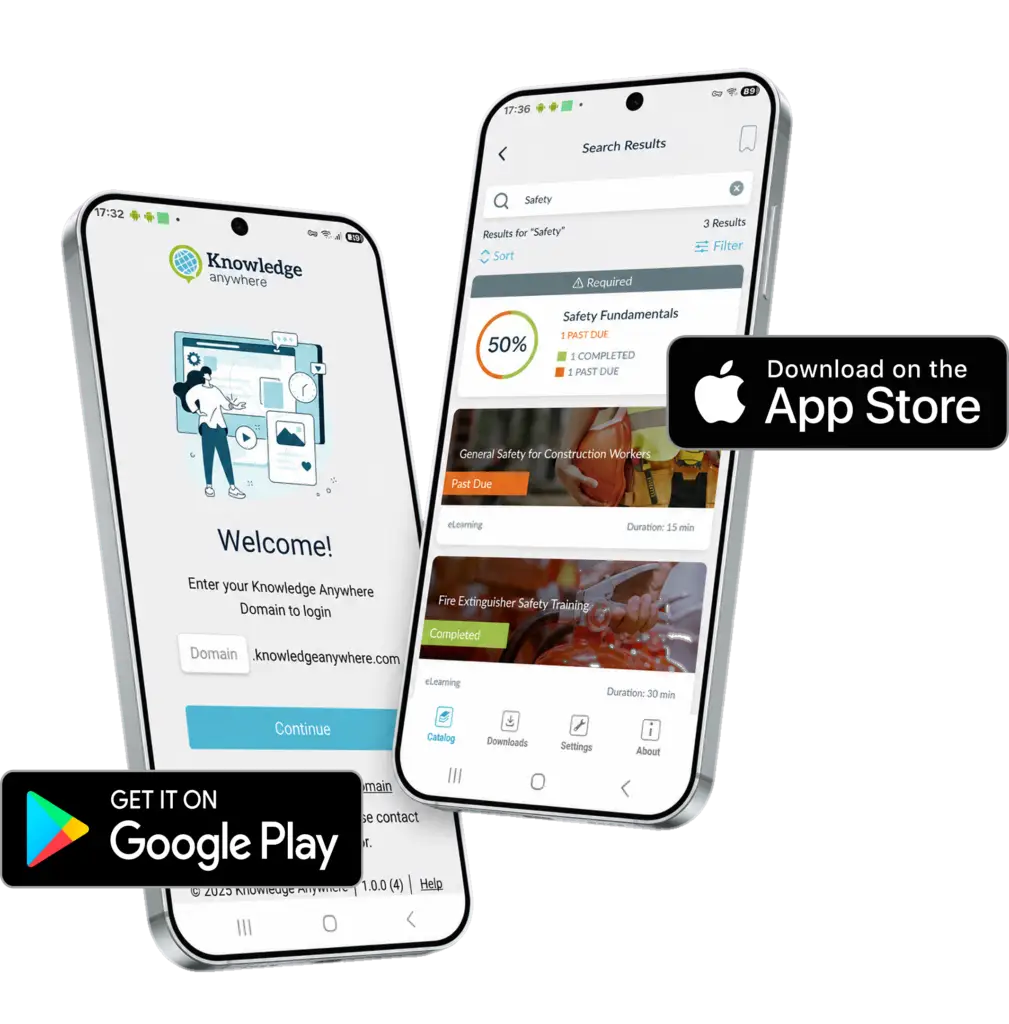
Our mobile app puts your Knowledge Anywhere LMS in your learners’ pockets. Whether they’re on a job site, traveling, or just away from their desk, learners can access, complete, and track training from any iOS or Android device — with or without an internet connection.


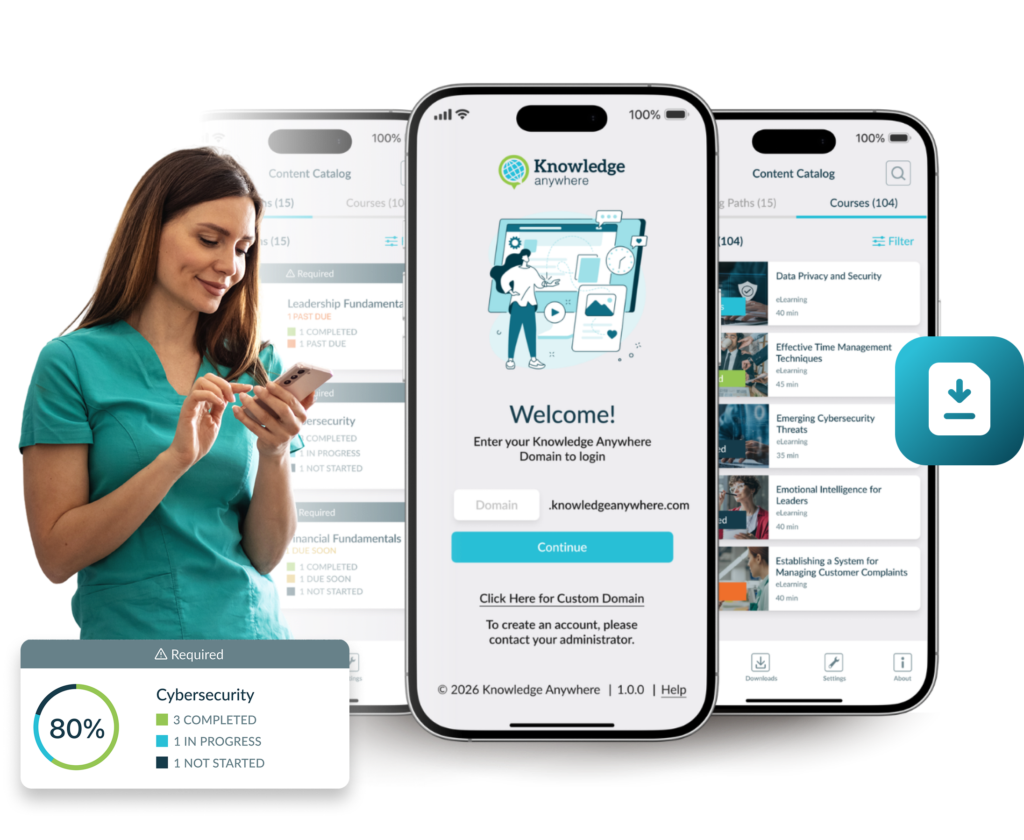
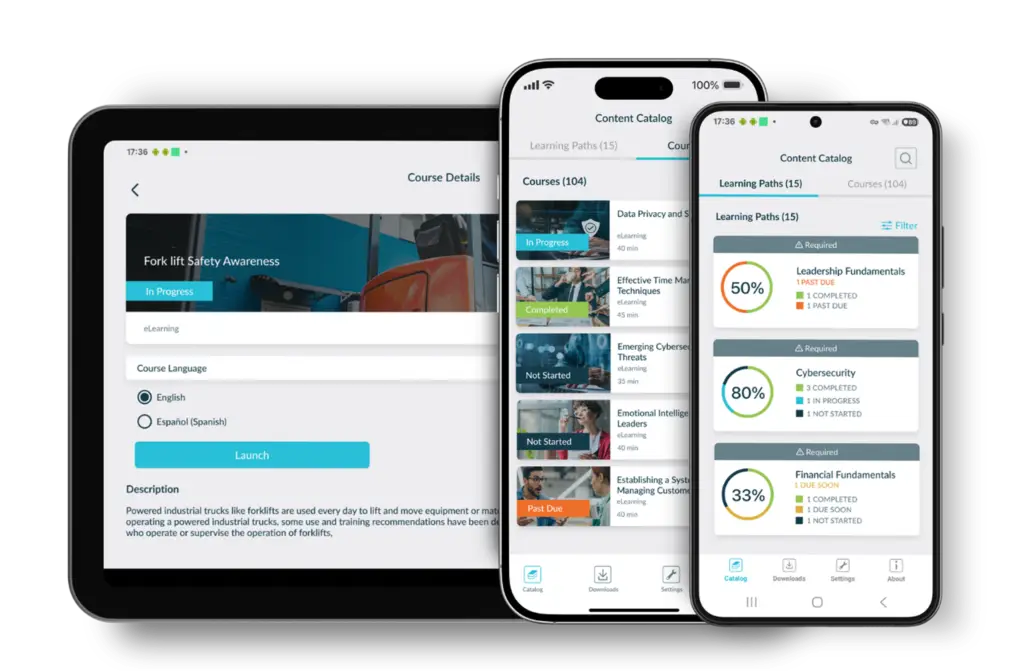
Your learners aren’t always at a desk — and their training shouldn’t require them to be. Our mobile app lets learners access their assigned courses, resources, and training history directly from their iOS or Android device.
Whether at a worksite, on the road, or simply away from your desk, learners can access courses, and pick up right where they left off for in-progress training.
Considering implementing or expanding microlearning or just-in-time-training? Our mobile app may be just what you need to deliver short, targeted training segments in the field, when and where the information is needed.
Imagine a field technician troubleshooting equipment while instantly referencing training content on their phone. Our mobile app makes that experience seamless.
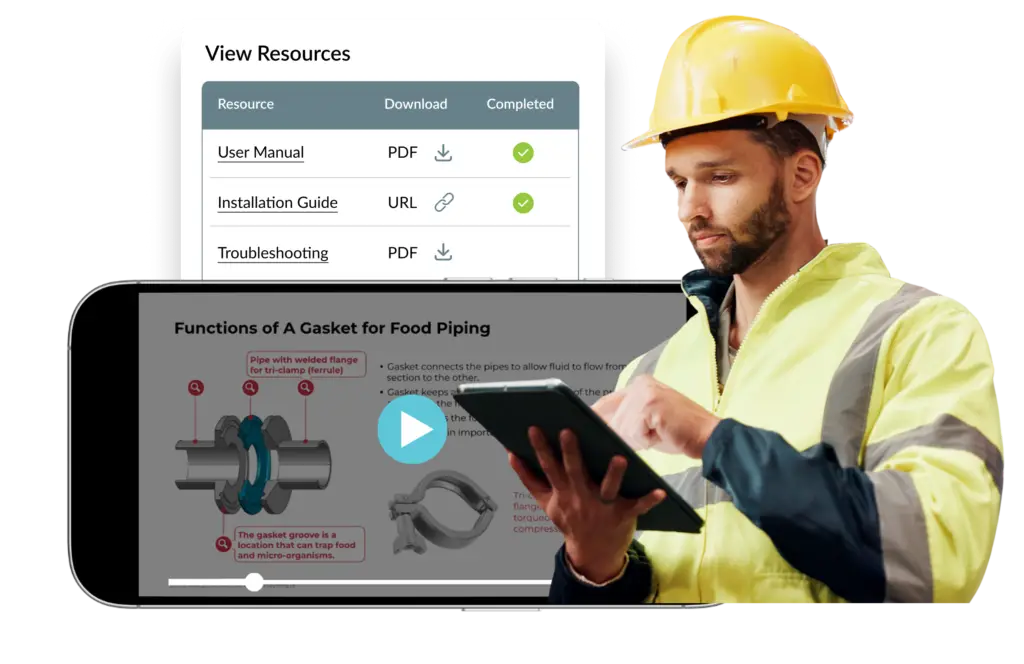
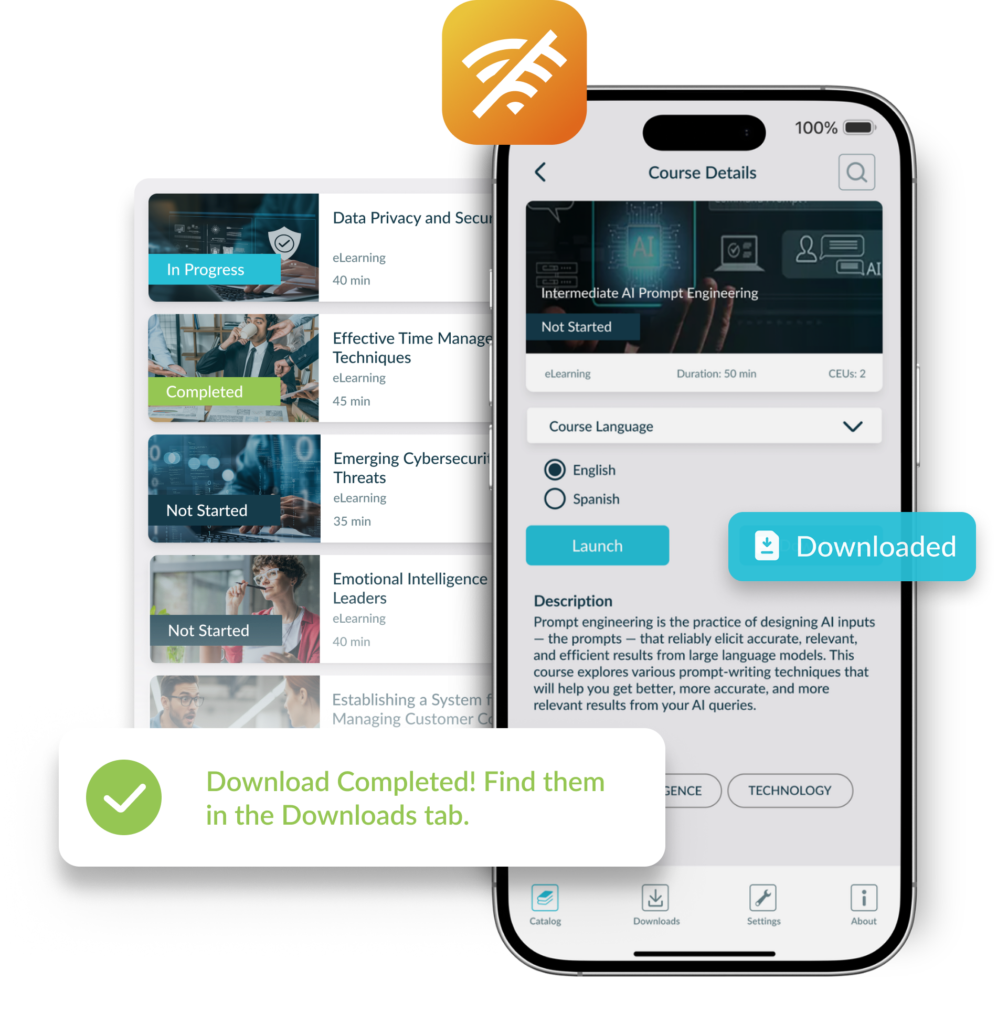
No Wi-Fi? No problem. Learners can download courses directly to their device before heading into the field, to a job site, or on a plane. Once downloaded, courses are fully accessible without an internet connection.
Completed courses and learner progress automatically sync with the LMS the next time the device connects, ensuring managers and administrators always have an accurate view of training status and completion.
Every action learners take in the mobile app — completing a course, earning a certificate — syncs automatically to the Knowledge Anywhere LMS. Learners can pick up right where they left off, whether they start a course at their desk or finish it on their phone during the commute home.
Administrators and managers see up-to-date completions, scores, and progress in the same reports and dashboards they already use every day. No manual reconciliation, no separate tracking system to manage.
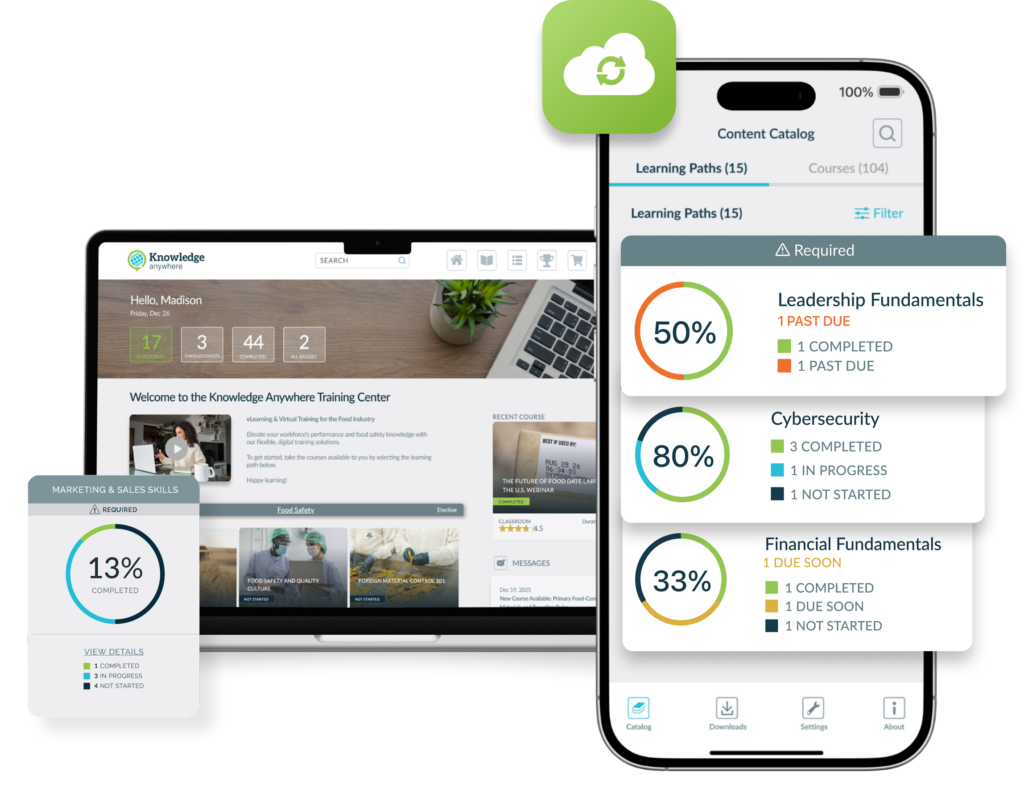
The mobile app is a native extension of the Knowledge Anywhere LMS, built on the same user accounts, course catalog, assignments, and reporting infrastructure — nothing new to configure. Administrators can make all courses available on mobile or limit access to specific courses only.
The app is included at no additional charge for all Knowledge Anywhere LMS subscribers. Download it from the Apple App Store or Google Play, log in with your existing credentials, and start learning.

Download the app on your phone or tablet to see how it works!
Yes. The mobile app is designed as an extension of the Knowledge Anywhere LMS and requires an active LMS subscription. It is not available as a standalone product.
No. The Knowledge Anywhere mobile app is included at no additional charge for all active LMS subscribers. Simply download it from the Apple App Store or Google Play and log in with your existing LMS credentials.
The mobile app requires iOS: 16.0+ or Android 10+ (API 29). The app is available for iOS (iPhone and iPad) and Android devices. Download it from the Apple App Store or the Google Play Store.
Yes. Learners can download courses to their device while connected and then complete them offline. Results are synced back to the LMS automatically once the device reconnects to the internet.
Completion data, quiz scores, and progress are synchronized to the Knowledge Anywhere LMS automatically whenever the device has an internet connection. No manual steps are required.
No. Learners use their existing Knowledge Anywhere LMS username and password. There is no separate registration or account setup.
Yes. If SSO has been set up on the desktop LMS the app will detect this and automatically prompt the user to follow the single sign-on steps for their SSO implementation.
Yes. All completions and progress recorded in the mobile app appear in the same LMS reports and dashboards administrators use for web-based training. There is no separate reporting system.
Search for “Knowledge Anywhere” in the Apple App Store (for iPhone or iPad) or the Google Play Store (for Android devices), then download and install it for free.
No, the mobile app is for learners only. That said, the design of our LMS is responsive, meaning that administrators can access via a mobile browser (tablet recommended).
Test out our system for yourself.
We will send you login credentials to an LMS site packed with example courses, such as Safety Training, Anti-Harassment Training, Diversity Training, and more! You’ll have 14 days to explore our training platform and the opportunity to customize it with your company’s logos, colors, and messages.


We use cookies to improve your experience on our site. By using our site, you consent to cookies.
Manage your cookie preferences below:
Essential cookies enable basic functions and are necessary for the proper function of the website.
Stripe is a payment processing platform that enables businesses to accept online payments securely and efficiently.
Service URL: stripe.com (opens in a new window)
Statistics cookies collect information anonymously. This information helps us understand how visitors use our website.
Google Analytics is a powerful tool that tracks and analyzes website traffic for informed marketing decisions.
Service URL: policies.google.com (opens in a new window)
Clarity is a web analytics service that tracks and reports website traffic.
Service URL: clarity.microsoft.com (opens in a new window)
SourceBuster is used by WooCommerce for order attribution based on user source.
You can find more information in our PRIVACY POLICY.